
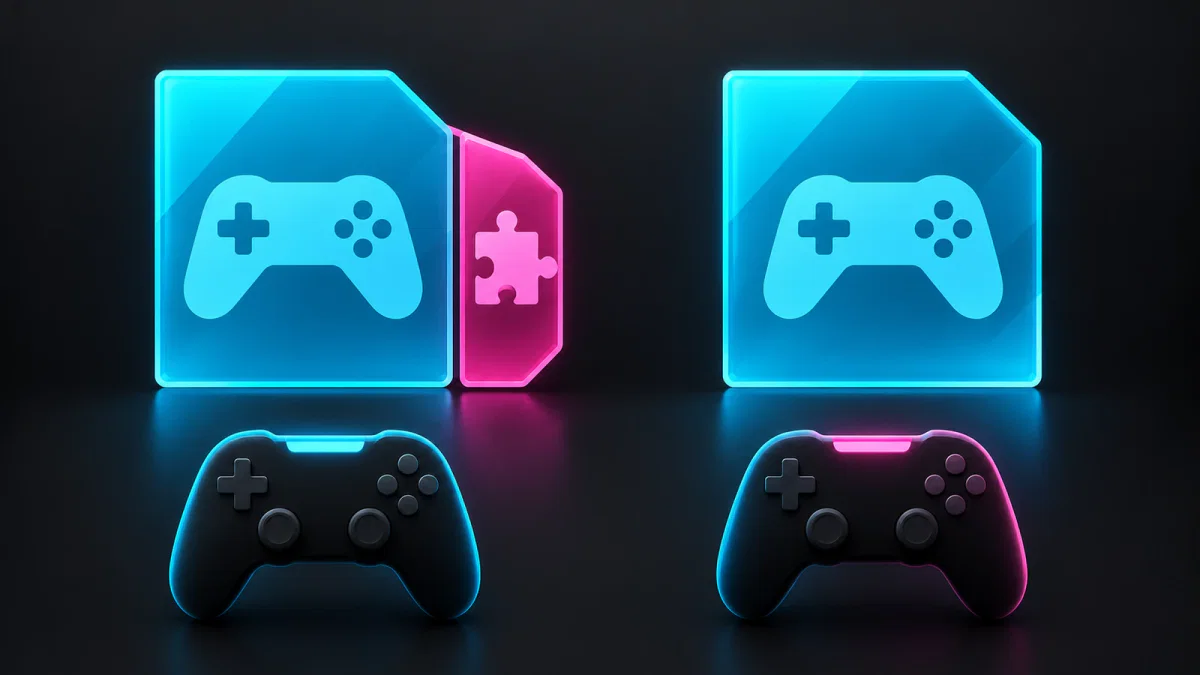
Assign the copies before you both play
Imagine Alex owns copy A with an expansion; Sam owns copy B without it. Both are shareable. The diagram assigns each player a different copy during simultaneous play. This is a hypothetical example, not a Steam-client test.

Swapping those assignments gives Sam the expansion-equipped copy and Alex the base-only one. If both need the expansion entitlement simultaneously, the second copy needs that DLC too. Check the game’s own multiplayer rules before purchasing: host-provided access to content can be a separate feature.
If the preferred copy is occupied, Steam looks for matching DLC, then may offer a different set. A different set can affect save compatibility. Check which copy is available before accepting the switch.
Check entitlement before reinstalling
Sharing is conditional. Valve’s developer documentation describes borrowed licenses as temporary and gives developers a way to identify the original owner. It also flags DLC containing one-time items or currency as a case requiring special handling. An expansion, a deluxe-edition bonus and spendable currency should therefore be checked individually; the existence of a family library does not establish identical access to everything a store bundle contains.
Once the intended copy is available, inspect the installation. Valve’s DLC management instructions put the list in the game’s Properties, under DLC. Right-click the game in your Library, open Properties and check that section. The installed status answers whether the content is installed. It does not prove that a different family copy includes it, and downloading files cannot supply a missing entitlement.
If entitled content is installed but textures are missing or the game fails, verify the game files through Properties → Installed Files. That is a file-repair step. A problem that consistently follows which copy is available calls for checking that copy first; a problem with downloaded files calls for checking the installation. Keeping the two checks separate avoids repeating a large download without changing the cause.
Back up the actual save before switching DLC sets
Find the save location documented by the game’s developer and copy the relevant files before experimenting. Valve’s game-file backup FAQ warns that its backup facility excludes saved games for Valve titles; third-party save locations are determined by their developers. A backup of installed game files should not be assumed to contain campaign progress, character data or configuration.
Keep a separate copy of the save you intend to restore. If an external SSD holds your only backup, our guide to unpowered SSD retention explains why storage conditions and drive history matter. First preserve the progress; then test the available copy and DLC combination. A replacement base-game purchase is worth considering only after identifying which entitlement is actually missing.


