
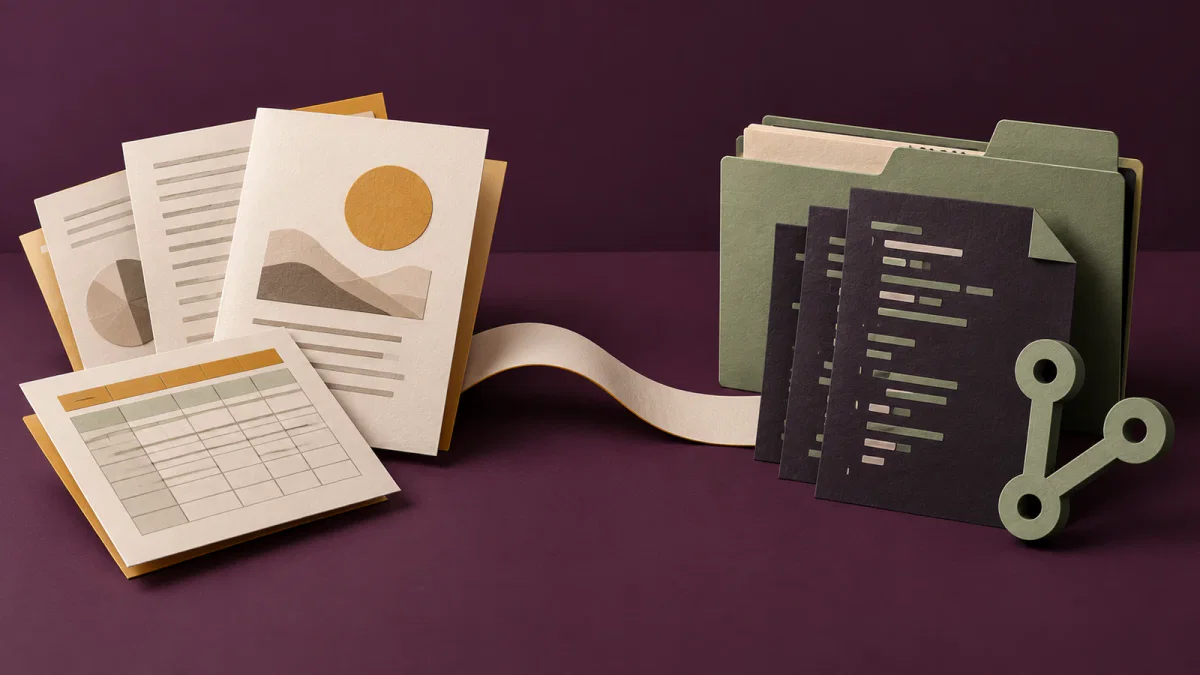
Cowork is organised around the deliverable
Cowork can organise files, synthesise research and create reports or spreadsheets using the tools and folders you connect. Anthropic’s getting-started guide describes those capabilities. That makes it a starting point for work whose final result is a document assembled from several sources.
On Pro and Max, Cowork and ordinary chat are gradually becoming one Claude experience. You may have a Cowork selector, or you may describe the task in a normal conversation with no selector at all. Its absence therefore does not establish that your account lacks task capabilities; the current rollout guide explains the change.
Code gives project changes a review surface
Claude Code reads a codebase, edits files, runs commands and works with development tools. Anthropic offers it through the terminal, IDE integrations, desktop app and browser. For a bug fix, a feature or a refactor, that puts the project’s own tests and tooling into the workflow. See the Code overview for the supported surfaces.
You do not have to choose a terminal just because you choose Code. In the desktop app, select the project folder, choose an environment and use the diff view to inspect changes. The integrated terminal and file editor let you inspect the work alongside the conversation. The desktop reference describes Local for your machine, Cloud for remote execution, SSH for a machine you manage, and WSL on Windows. Code is not automatically local; inspect the environment selected for that session.
For explicit approval of file edits and commands in Code Desktop, choose Manual permission mode. You can inspect the diff before accepting a change. The current permission-mode documentation gives the available choices; the environment selector and the permission mode control different parts of the session.
The October 6 change affects new Pro and Max Cowork tasks
From 6 October 2026, new Cowork tasks on Pro and Max run in the cloud. Anthropic removed the consumer setting that kept new tasks only on the computer; users cannot switch it back. Previously started local tasks remain local, with a banner identifying that scope. The change is described in the official transition guidance.
That changes the reason to choose the desktop app. Opening Cowork there now gives a cloud task a connection to your device; it does not select local execution for a new consumer task. Team and Enterprise have a different rollout and administrative controls, so the Pro/Max rule should not be applied to every organisation. Anthropic’s architecture overview separates these cases.
Connected local files still need the desktop bridge
In cloud Cowork, the agent and code execution run on Anthropic infrastructure. To reach a connected folder on your computer, the task goes through Claude Desktop, with your folder permissions. If that app is offline, the cloud task cannot reach the device. Keeping the task alive in the cloud and keeping a local source folder reachable are different operating requirements. The architecture document explains that connection.
For new Pro/Max work that needs a local execution environment, use Code’s Local option. This still involves a network-based model: Anthropic’s Code data-flow documentation says local Code sends data over the network to interact with the LLM. A local folder, local commands and a local history do not mean that the language model runs offline on your laptop. Data-use preferences and organisational policies remain separate choices.
Pro and Max usage is shared across Claude and Code
Switching from Cowork to Code does not create a fresh subscription allowance. Anthropic’s Pro/Max guidance says Claude and Claude Code share usage limits. Choose the workflow for the work you need, and keep the requested scope bounded; a different tab is not an extra budget.
For CLI use, check how you authenticate. An ANTHROPIC_API_KEY environment variable makes Code use that key instead of your Claude subscription and can result in API charges. The same guidance distinguishes subscription usage from pay-as-you-go API billing. No dollar-per-task comparison is justified without knowing the actual model, context and tool work involved.
Continue a local Cowork task in Code with its context
You can finish a Cowork task that already runs on your computer. If you want to move it to Code, Anthropic provides this task-data handoff:
- Open the Cowork task and choose Download task data.
- Unzip the download and open that folder in Claude Code.
- Run
/port-task-datato continue with the task context.
Select the Code environment that matches where you want the work to run, then review the imported context before giving the next instruction.


